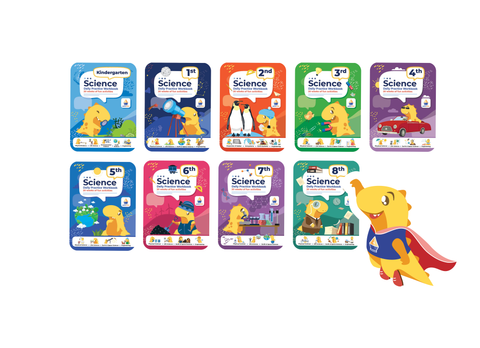
PreK-12th Grade Workbook Bundles + Online PlatformLA GATOR Scholarship Program Parents — Unlock the Power of ArgoPrep with Your Funds!
Place an order today and get FREE LIFETIME access to ArgoPrep's online learning platform (normally $699.99). This offer is only valid for the next 24 hours.
Scroll down and to learn how.
If your child is enrolled in LA GATOR Scholarship Education Savings Account (ESA) Program, you’re eligible to access ArgoPrep’s award-winning educational materials — fully covered through your Odyssey Marketplace account!
What Is ArgoPrep?
ArgoPrep is a trusted educational publisher and online learning platform serving over 2 million students nationwide. We offer:
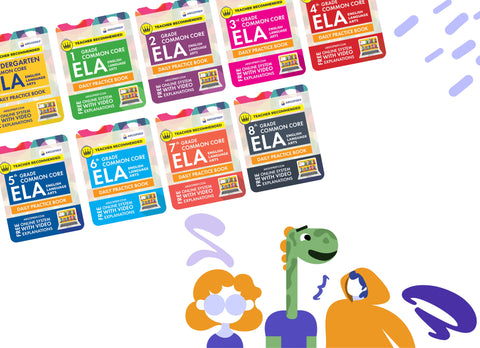
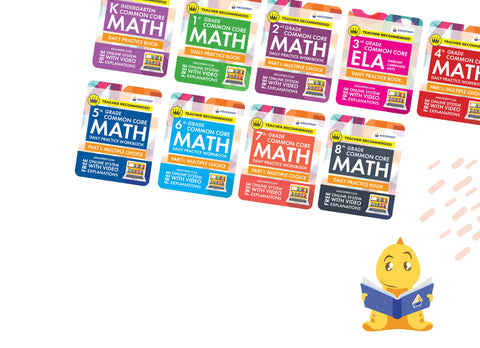
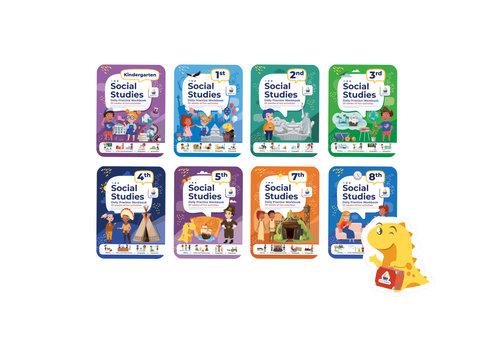
- Print Workbooks covering Math, ELA, Science, Social Studies, Summer Workbooks, Algebra and more for Grades PreK–12
- Video Explanations for Every Workbook Question
- Online Learning Math, ELA, Science and Social Studies Platform with 30,000+ practice questions, 15,000+ video explanations, and 500+ lessons
- Thousands of ESA families already benefit from ArgoPrep through the ClassWallet Marketplace, and now Louisiana ESA families can access our materials through Odyssey
Special Bonus for Lousiana ESA Parents - Get a FREE 1-Year Subscription to ArgoPrep’s Online Platform ($120 value!)
Get a FREE 1-Year Subscription to ArgoPrep’s Online Platform ($120 value!)
- Go to the Oddysey Marketplace
- Search and purchase any ArgoPrep bundle with your scholarship fund.
- Forward your order confirmation to info@argoprep.com
- You’ll receive full access to our online education platform - FOR FREE
Why Parents Love ArgoPrep
✔️ Aligned with state and national standards
✔️ Built-in video help for every question
✔️ Engaging, self-paced learning for PreK–12
✔️ Perfect for homeschool, supplemental learning, or summer study
✔️ 5-star rated by thousands of families and educators
HOW TO ACCESS YOUR MARKETPLACE AND PLACE THE ORDER
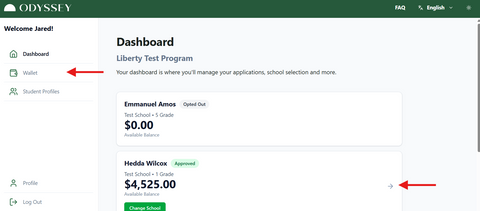
Marketplace
- Log in to your Odyssey Parent Portal.
- Once you're in the dashboard, you'll be able to see your students' profiles.
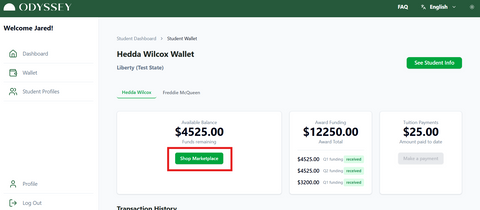
Wallet
3. Once in the wallet, click on the [Shop Marketplace] button.
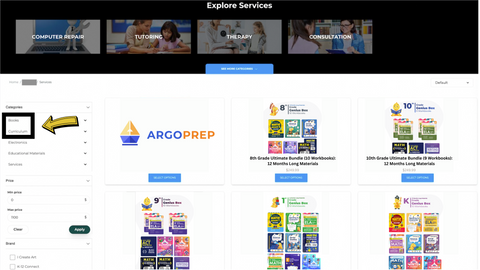
Categories
4. Select Book/Curriculum/Workbooks category in the header or side menu and click on ArgoPrep.
5. Once you've located the product you're interested in, select [Add to cart or Select Options] or anywhere on the product.
Categories and subcategories differ by state due to varying eligible expenses and guidelines within each program.
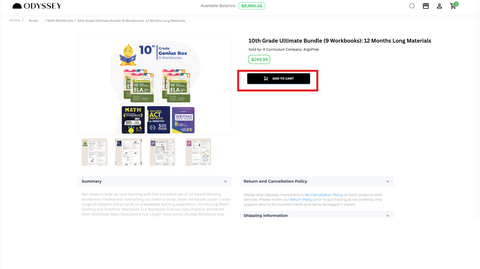
Purchasing your product or service
6. When inside the offering, scroll down for more details in the Summary, About vendor, Return Policy, and Shipping Information.
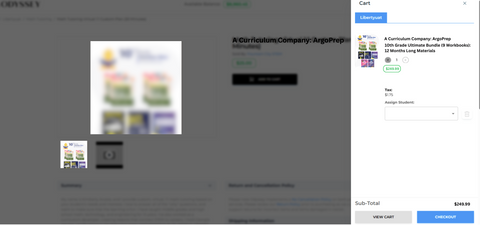
Add To Cart
7. If you're ready to purchase, click [Add to cart].
8. The cart will pop up on the right side of your screen.
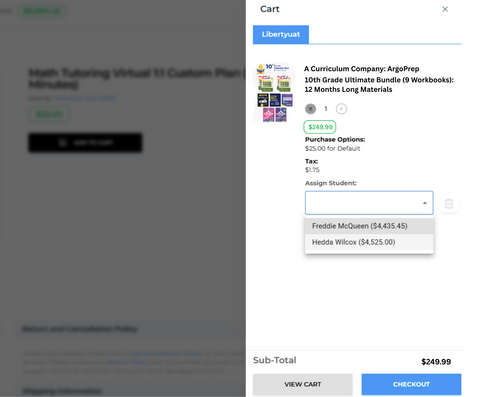
Assign to student
9. One must allocate the purchase to a student. Select your student from the dropdown menu by clicking the box.
Add To Cart
7. If you're ready to purchase, click [Add to cart].
8. The cart will pop up on the right side of your screen.
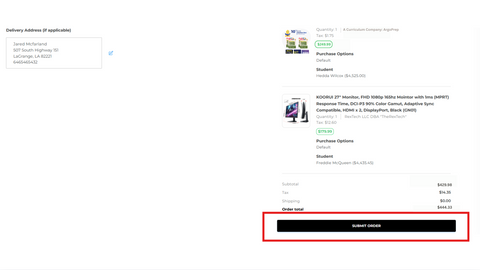
Submit the order
- Once you're ready, click [Checkout].
- Ensure the delivery address is accurate. This information is extracted from the household data provided during enrollment.
- Upon completion of the order review and verification of its accuracy, proceed to click [Submit Order].
Have Questions?
We’re here to help! Email us at info@argoprep.com and our team will support you every step of the way.